Key Takeaways
- Cash App lets you withdraw money, stocks, Bitcoin, or other supported assets;
- Based on urgency, you can choose between Instant or Standard delivery speed, each with its own fees;
- For peer-to-peer transfers, you can send money using the recipient’s $cashtag, email, or phone number.
Payday feels far away, and here you are, searching for how to withdraw money from Cash App. Bills are creeping in, your wallet feels as light as a feather, and you want to ensure the withdrawal goes through without any hiccups.
Thankfully, figuring out how to withdraw money from Cash App to a debit card or other linked accounts is pretty straightforward. Even the less common issues have quick fixes with the right steps.
If you've used Cash App before and find it a bit limiting, I will also recommend other flexible alternatives, like Ogvio. Nonetheless, if you're a regular Cash App user, read on for the full tutorial.

Did you know?
Subscribe - We publish new crypto explainer videos every week!
ICO vs IDO vs IEO: Which One's the Best? (Easily Explained)


Table of Contents
- 1. An Alternative Method to Cash App Withdrawals
- 2. How to Withdraw Money From Cash App
- 2.1. Link Your Debit/Credit Card to Cash App
- 2.2. The Desktop Route
- 2.3. The Mobile Route
- 3. Other Withdrawal Options
- 3.1. ATM Withdrawals
- 3.2. Bitcoin Withdrawals
- 4. Withdrawal Delivery Speed
- 5. How to Transfer From Cash App
- 6. Cash App Alternatives
- 6.1. Ogvio: Lightning Fast Transfers Without Added Costs
- 6.2. Venmo: The Social-First Wallet for Split Bills
- 6.3. Apple Pay: Effortless Payments for Daily Use and Travel
- 7. Conclusions
An Alternative Method to Cash App Withdrawals
How to withdraw money from Cash App is a viable gateway if you're sending to a US-based account. What if you're working or studying in the US, and you need to either send or receive funds to/from your family back home? Cash App doesn't support that functionality, but Ogvio does.
Latest Changelly Coupon Found:Even if you don't have plans to remit funds overseas, Cash App puts you in the dilemma of delivery speed VS cost trade-off. Instant routes raise percentage-based fees that increase the more you send. Sticking with the usual bank schedule adds extra frustration when the transfer is urgent, since you need to wait up to 3 working days.
Neither option feels convenient. In my experience with Ogvio, money landed in my pocket within 24 hours, and often within seconds. It doesn't charge premiums for faster delivery, so you can move money quickly via high-speed settlement rails, such as Wire and FedNow in the US.
 | |
|---|---|
| |
| |
| |
| Visit site Read review |
Table: Ogvio's asset movement
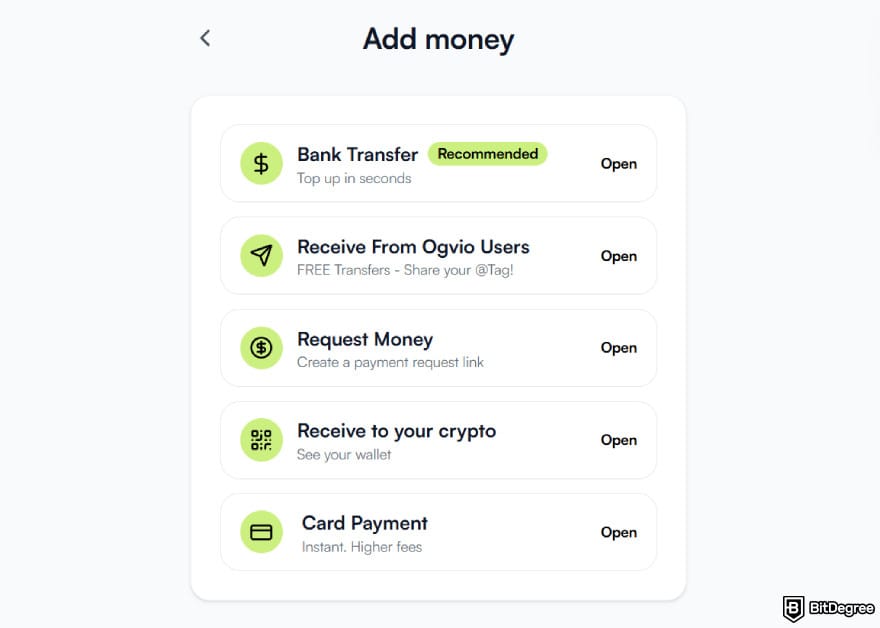
Here's a list of actions that US users can do on Ogvio:
- Depositing or withdrawing crypto;
- Sending or receiving to/from fellow Ogvio users;
- Topping up with a credit/debit card.
And if you're a US citizen residing abroad and fulfilling tax duties in any of Ogvio's fully supported countries, passing the KYC verification opens up access to platform-wide functionality, extending to bank transfer top-ups and local bank withdrawals.
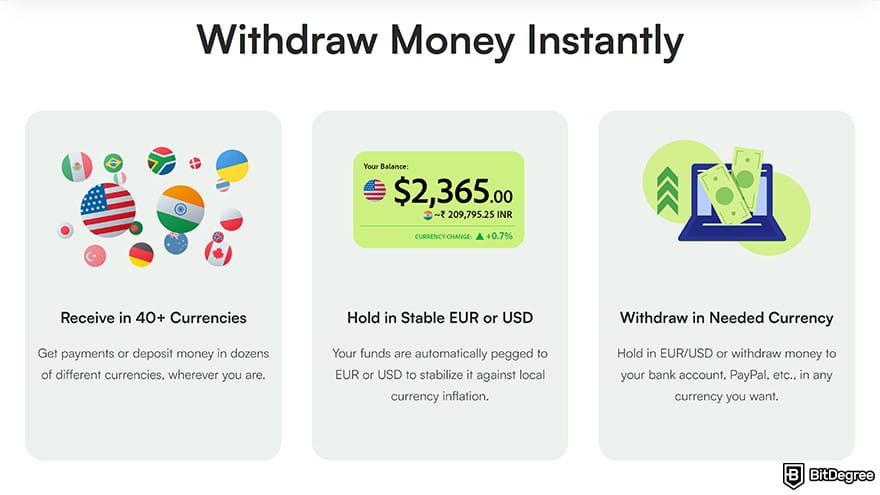
Provided that you're in the US, here's how you can withdraw from Ogvio. Crypto will serve as the primary bridging currency here, since it enables value to move quickly and efficiently.
![How to withdraw money from Cash App: the [Start Now] button on Ogvio's homepage navigation bar.](https://assets.bitdegree.org/images/how-to-withdraw-money-from-cash-app-start-now.jpg "How to withdraw money from Cash App: the [Start Now] button on Ogvio's homepage navigation bar.")
Ogvio lets you keep your fiat and crypto in one account for frictionless management. It also serves as a secure, non-custodial wallet, and you can swap select tokens on the Base network if you're into trading.
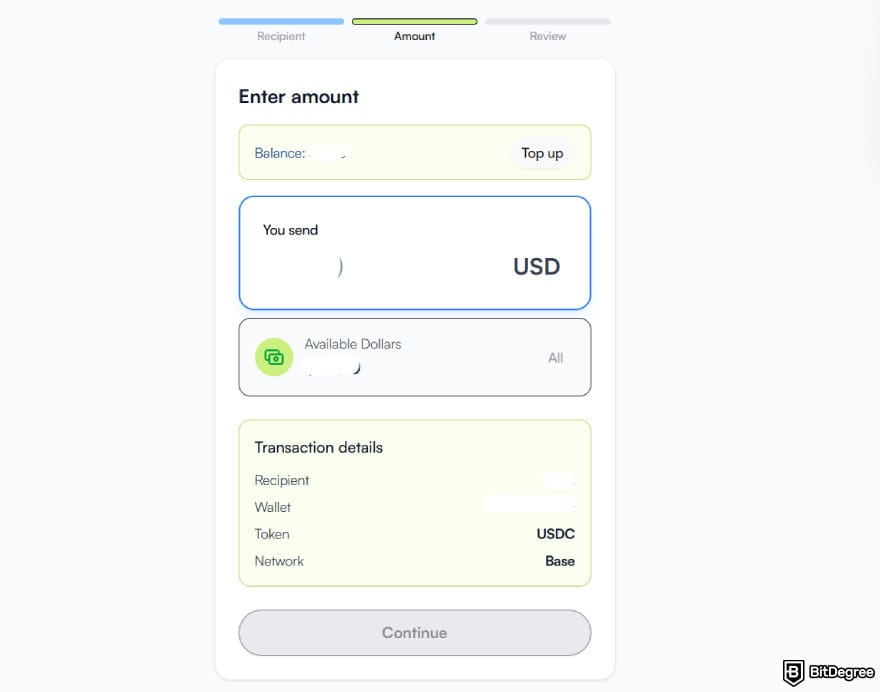
Once the money arrives, you'll see that Ogvio lets you keep nearly the full amount. Better yet, you're not burdened by extra network charges, since the platform covers those for you. It's clear that this money transfer service offers some of the most competitive rates in the market.
Looking for more in-depth information on related topics? We have gathered similar articles for you to spare your time. Take a look!


How to Withdraw Money From Cash App
Maybe you’ve followed the instructions on how to withdraw money from Cash App before, but ran into issues. Perhaps this is your first time, and things feel unclear. Either way, I’m here to guide you through it all.
Mind that Cash App is exclusively available in the US. The company has decided to exit the UK market in September 2024.
To date, CashApp has more than 50 million monthly active users in the United States who rely on it for daily financial management, from savings to investments. If your focus is to get your funds out, it's good to know where to withdraw money from Cash App.
Link Your Debit/Credit Card to Cash App
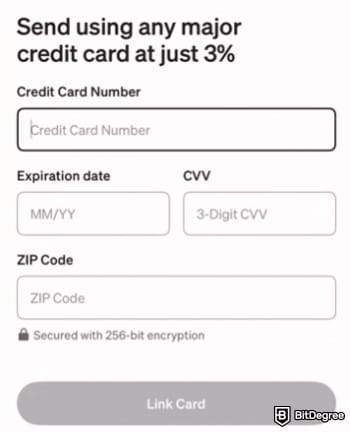
While I understand your eagerness to initiate the withdrawal process right away, there’s an important step you cannot skip, which is adding your credit or debit card.
Doing this early on ensures that you can withdraw money from Cash App without running into issues that will slow you down. If you’ve completed this part, feel free to jump straight into the step-by-step cashout guide.
If you haven’t done so, take a moment to link your debit/credit card by following the guidelines below:
![How to withdraw money from Cash App: the [Profile Icon] at the top right corner.](https://assets.bitdegree.org/images/how-to-withdraw-money-from-cash-app-profile-icon-top.jpg "How to withdraw money from Cash App: the [Profile Icon] at the top right corner.")
![How to withdraw money from Cash App: the [Linked banks] option.](https://assets.bitdegree.org/images/how-to-withdraw-money-from-cash-app-link.jpg "How to withdraw money from Cash App: the [Linked banks] option.")
Smart savings tip: sending funds to your linked debit card is free of charge. However, transferring to your credit card is counted as a cash advance, which triggers a 3% fee.
Congratulations, you’re all set. Now you can withdraw cash from Cash App to your bank account, debit, or credit card.
📚 Read More: How to Send Money With a Debit Card
Access https://cash.app and log in. Once you’re in the dashboard, navigate to the [Money] tab on the left sidebar.![How to withdraw money from Cash App: the [Money] tab on the sidebar.](https://assets.bitdegree.org/images/how-to-withdraw-from-cash-app-money.jpg "How to withdraw money from Cash App: the [Money] tab on the sidebar.")
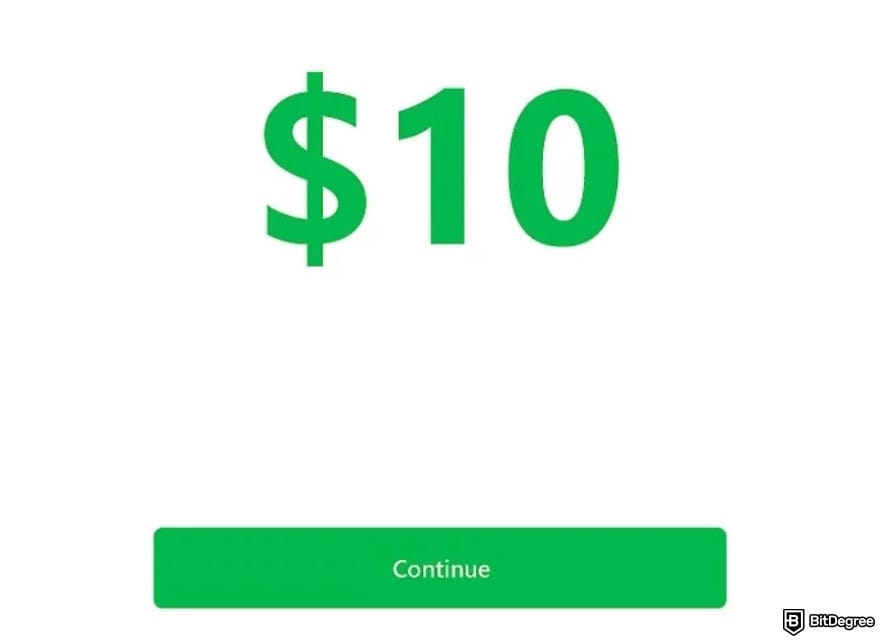
For this step to work, remember that your bank account or card should already be linked to your Cash App account.
Depending on a few variables, it may take between a few minutes to three days for your funds to land in your bank account. If you’re in a time crunch, I’d recommend Instant Transfer, but note that it comes with extra fees.
Additionally, you can monitor your withdrawal status in real time. Go to [Activity], then scroll or use the search bar to locate your transfer. Open your transaction receipt, and you’ll get a clear picture of the state of your transfer.
The Mobile Route
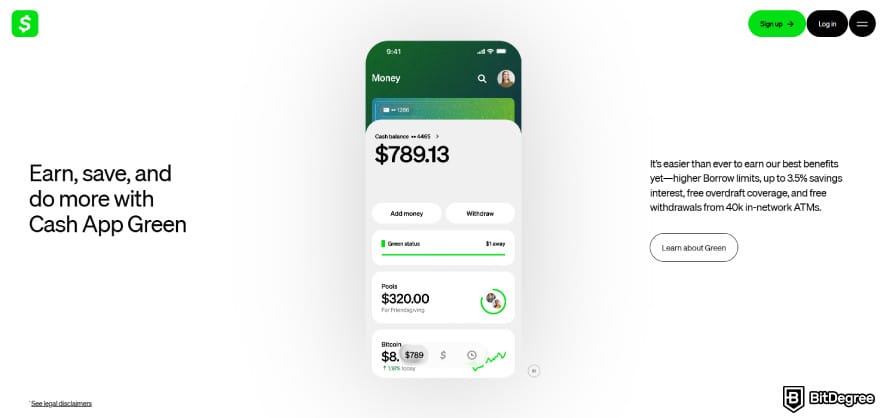
Since Cash App is mobile-centric by design, most people access it on their phones rather than their PCs. Their reason? It’s simply more convenient. Your phone is always with you, and you have continuous internet access via cellular data even when your WiFi is off, provided you have an active data plan.

Now, let’s get into how to withdraw money from Cash App on mobile. Truthfully, if you’ve browsed through the desktop instructions, the steps will feel very familiar. Nevertheless, due to layout differences, expect a few menu changes and button placements here and there.
![How to withdraw money from Cash App: tapping [Home] on Cash App.](https://assets.bitdegree.org/images/how-to-withdraw-money-from-cash-app-home.jpg "How to withdraw money from Cash App: tapping [Home] on Cash App.")
![How to withdraw money from Cash App: the [Withdraw] button under cash balance.](https://assets.bitdegree.org/images/how-to-withdraw-money-from-cash-app-withdraw.jpg "How to withdraw money from Cash App: the [Withdraw] button under cash balance.")
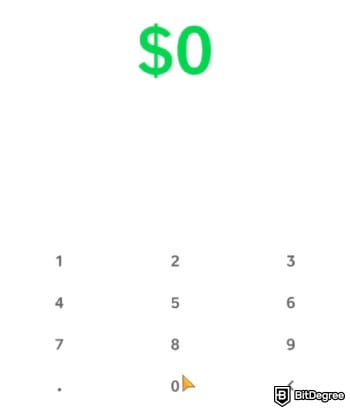
📚 Read More: How to Transfer Money From One Bank to Another
ATM Withdrawals
If you ever wonder, “Where can I withdraw money from Cash App?”, you’re not only stuck with bank account and card options mentioned earlier.
For starters, you can withdraw money from Cash App through approved ATMs, which is a convenient option when you need on-the-spot access to cash.
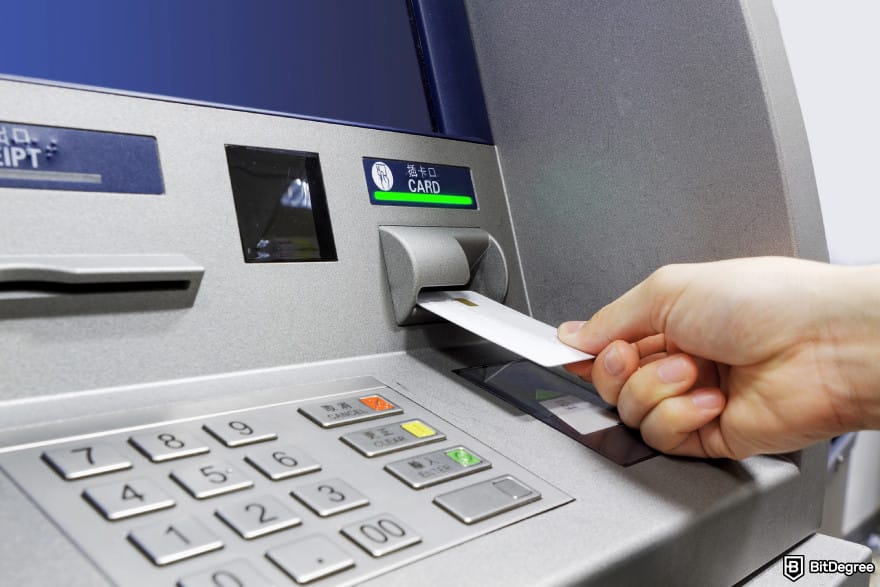
To use this feature, sign up for the Cash App Visa debit card. There’s no setup fee, and you get to enjoy perks like zero monthly fees, 3.5% APY, a stream of cashbacks, and FDIC insurance of up to $25,000. Terms and conditions apply.
Once you have the card and are ready to cash out, there are two ways to go about it:
1
In-Network Withdrawals. Thanks to the partnership with MoneyPass, you can withdraw at over 40,000 surcharge-free locations, so long as you’ve earned the “Green” status by either spending $500 in qualifying purchases or receiving $300 in eligible deposits.
2
Out-of-Network Withdrawals. The card works at any ATM with the Visa logo, but expect a flat $2.50 fee and additional charges from the operator.
Just to clarify, if you haven’t achieved the “Green” status, you’ll still need to cover the $2.50 fee, even at in-network ATMs. As expected, when cashing out at physical locations, you’ll run into withdrawal limits. The threshold is set at $1,000 per ATM transaction, daily, and per week.
Many users prefer taking the ATM route to take advantage of cashback. Once you’ve arrived at the ATM location, insert your Cash App card, then type in your four-digit PIN. Cashback transactions are treated the same as regular withdrawals, and they’ll reduce your allotted limits.
Always select your Checking account when withdrawing. Cash App does not support payouts from your Savings balance.
If you’re unsure how much balance you have, the card is well integrated with the mobile app and website, so you can check it directly from your account.
Did you know?
Subscribe - We publish new crypto explainer videos every week!
How to Use Crypto? 5 Rewarding Strategies Explained (Animated)

Bitcoin Withdrawals
Crypto has been adopted in retail,[1] though its exposure remains limited. Numerous merchants even accept BTC as payment, so it’s no surprise that some users choose to withdraw their digital assets rather than let them sit idle.
📚 Read More: How to Spend Bitcoin
However, if you’re a US citizen, strict regulations in the country can make it hard to find compliant exchanges or crypto-friendly money transfer services.
Cash App is a regulated entity where you can purchase, store, transfer, receive, and withdraw Bitcoin. Stablecoin support will be introduced around 2026. For user protection, you won’t see any meme coins or high-risk tokens listed.
Talking from my own experience, Bitcoin withdrawals work well for anyone trying to get money off Cash App without a card or a bank account.

For trading, you can swiftly move your crypto holdings to external apps, exchanges, wallets, and other custody solutions. For spending, you can locate nearby stores that accept Bitcoin by enabling Square-powered merchants.
Since Cash App holds your Bitcoin on a 1:1 reserve, you can access it 24/7. Just keep in mind that when you cash out crypto for the first time, you’ll need to provide additional personal details.
Limits are capped by your delivery speed, such as 0.001 BTC for Standard and 0.00005 BTC for Rush and Priority.
Withdrawing BTC can also be a handy workaround if you’d like to transfer money from Cash App for free or with lower fees. The trick here is to enable the Lightning Network and choose where you’d like to send your assets. Always opt for the Bitcoin Network, since it’s the one supported.

As a disclaimer, Lightning Network integration is not available in New York. Sending non-BTC tokens, including BCH, will lead to irreversible loss of funds.
Withdrawal Delivery Speed
Aside from limits and fees, speed plays an important role. After all, the longer money takes to arrive, the quicker your anxiety starts withdrawing from you.
Here’s a full rundown on Cash App’s withdrawal transfer speed options.
Expected Arrival | Fees | Deposited to | |
|---|---|---|---|
Standard | 1-3 business days | Free | Bank account |
Instant | Instant | 0.5%-1.75% (minimum $0.25) | Linked debit card |
Table: Cash App’s withdrawal details
If your money takes longer to arrive than the specified timelines above, don’t panic. Prepare to call your bank, and they’ll track the deposit for you using one of the following identifiers:
- Mastercard Banknet Reference Number.
- Visa Network ID.
- Discover Network Reference.
- American Express Acquirer Reference Data.
Moving to Bitcoin withdrawals, there’s a different set of delivery speeds to get hold of:
Delivery Speed | Fees | |
|---|---|---|
Priority | ≤ 10 minutes | Pro Rata fees + an additional fee of up to $3 |
Rush | ≤ 2 hours | Pro Rata fees + an additional fee of up to $2 |
Standard | ≤ 24 hours | Free |
Table: Cash App’s Bitcoin withdrawal details
Pro Rata fees will be shown before you hit confirm, and the amount may differ to ensure miners are fully compensated during volatile periods. Blockchain congestion and transaction conditions also affect your final network costs.
How to Transfer From Cash App
Previously, I’ve shown you how to transfer money from Cash App to your debit card. This time, let’s focus on doing that, but to your friend’s or relative’s account.
To get money from Cash App, you can send it to someone else by using their phone number, email, or $cashtag. For your information, $cashtag is a unique identifier or a username assigned to every account. It’s mainly used in a peer-to-peer setting, and it makes payments easier since you don’t have to enter long, complex bank numbers.
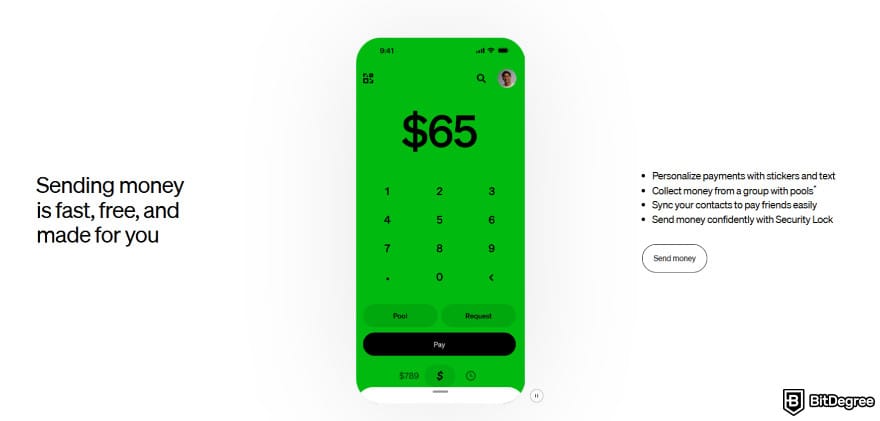
If your recipient isn’t on Cash App, don’t worry, you can always enter their phone number or email address when sending money. Let’s see the full tutorial below.
![How to withdraw money from Cash App: adding cash with the [Add] button highlighted on Cash App.](https://assets.bitdegree.org/images/how-to-withdraw-money-from-cash-app-add-cash.jpg "How to withdraw money from Cash App: adding cash with the [Add] button highlighted on Cash App.")
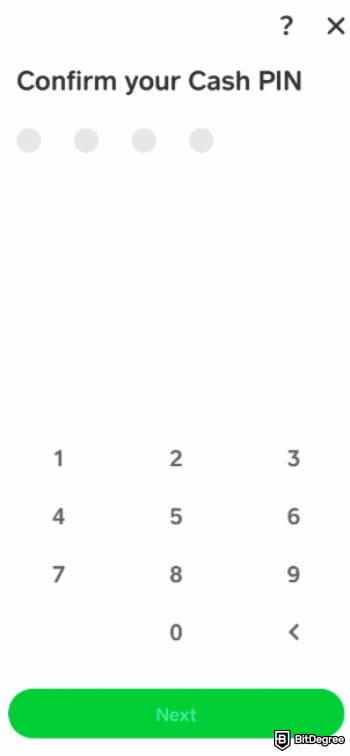
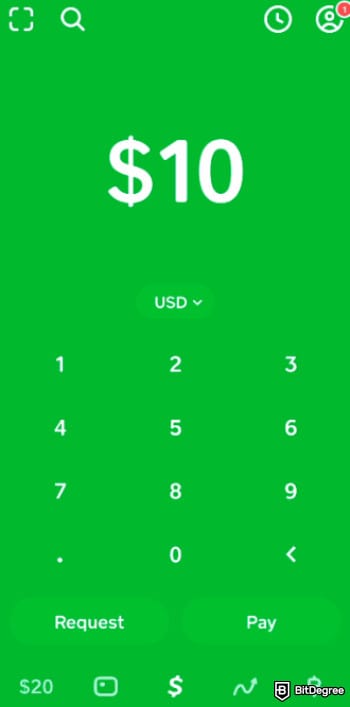
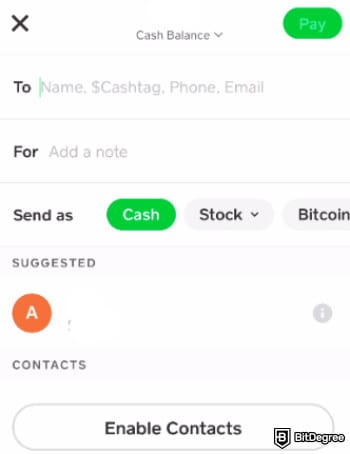
Cash App doesn’t charge a dime for internal transfers. Besides using $cashtag, can you withdraw money from Cash App to someone else’s bank account? No, you can’t do it directly. If that’s what you want to do, you have to go through the personal withdrawal process.
Cash App Alternatives
At this point, you’ve seen everything from how to get money from Cash App to the essential information on fees and limits. Along the way, you might be intrigued by the platform’s features. After all, Cash App is an end-to-end fintech app that combines social payments, investing, and banking tools.
Nevertheless, it’s hard to look away from the platform’s limitations. The service is available exclusively to US residents, so you can’t try out international remittances or other global functionality.
If you have different goals in mind, other platforms can better meet those needs. To lay the ground for the comparison, refer to the quick overview table below:
Fees | Percentage or flat fees, depending on the funding method |
|---|---|
Supported Countries | US only |
Supported Fiat | USD |
Features | Savings, traditional and digital asset investment, Visa debit card, etc |
Security | Scam alerts, security lock, zero fraud liability, etc |
Table: Cash App’s main features
As I go into the most recommended alternatives to Cash App, take note of these details, or feel free to return here anytime.
Ogvio: Lightning Fast Transfers Without Added Costs
If you have family members working, studying, or living abroad, you’ll need your transfers to travel further than the United States. Ogvio is a P2P remittance solution designed to make your money deserve the journey, not the fees.
The service supports 160+ countries and 40+ currencies. Its payment networks include 7,000+ banks and wallets worldwide, with a focus on instant rails like SEPA Instant in the Eurozone, Faster Payments in the UK, etc. No more waiting days, since your transfer lands in a matter of seconds without sacrificing extra fees.
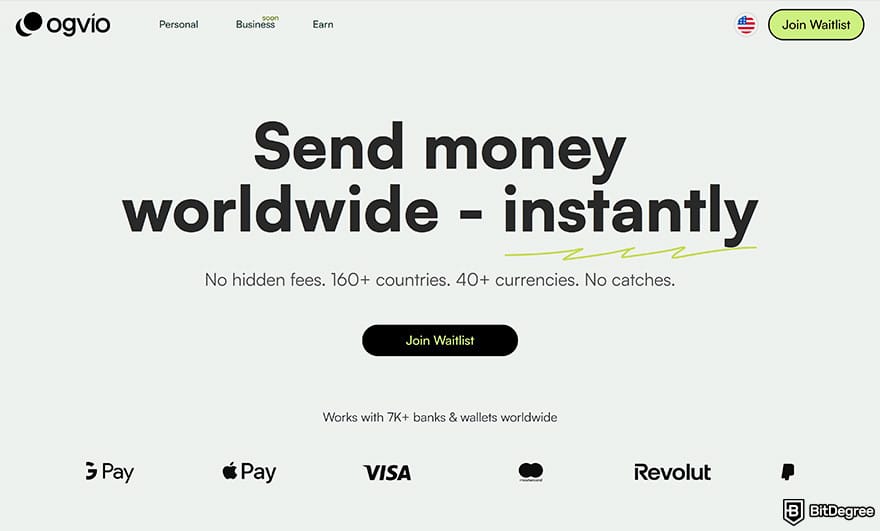
Fiat isn't the only method of payment, either, as you can swiftly transfer cryptocurrencies like USDC on the Base Network. This can be especially useful for American expats who want to remit funds across supported corridors.
Fees | Free transfer rates with low payout fees |
|---|---|
Supported Countries | The UK, UAE, and 160+ countries |
Supported Fiat | USD, EUR, and 40+ currencies |
Features | @Tag functionality, crypto on-ramp, etc |
Security | 256-bit AES encryption, fortified vaults, biometric security, etc |
Table: Ogvio's main features
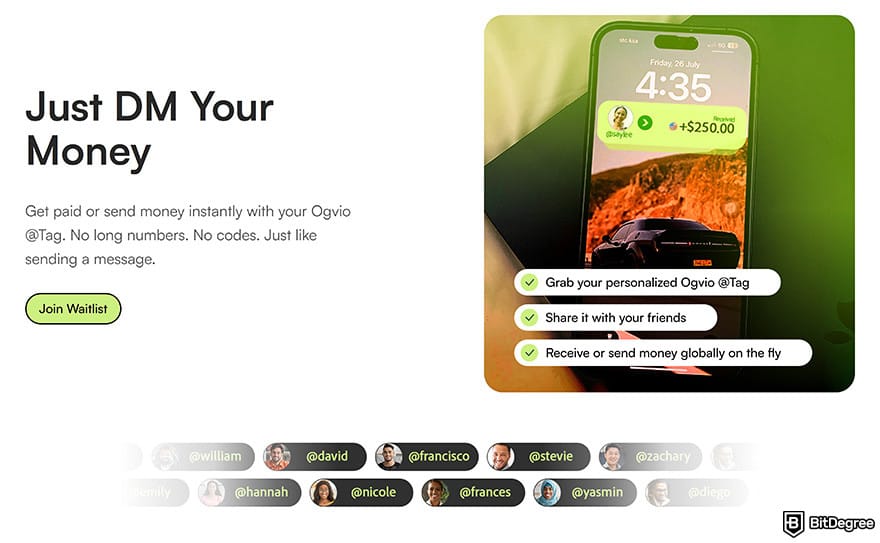
Ease of use is also a priority on Ogvio. Similar to how intuitive it is to get money from Cash App using $cashtag, Ogvio will feature a @Tag functionality. Whether you’re a parent or a Gen Z user, sending money is as easy as mentioning someone on WhatsApp or dropping a DM on X.
Internal transfers don't incur any fees. In case your recipient doesn’t have an account on the platform, you’re not restricted to their email or phone number. Simply transfer the funds to any supported banks or digital wallets, locally or internationally.
Every Ogvio wallet is equipped with state-of-the-art security, including 256-bit AES encryption (one of the most advanced systems yet) and biometric access. Funds sit safely in ultra-secure vaults without any intermediary involvement, eliminating external access or tampering.
📚 Read More: Ogvio Review
Join Ogvio today if you want low fees, safe transfers, and a remittance experience that feels effortless.
Venmo: The Social-First Wallet for Split Bills
Venmo is another well-known digital wallet in the US. It offers a social media-style experience for P2P payments as well as online and offline shopping. From splitting bills to sharing rent, each update pops up in one feed, complete with funny emojis.

There is a reason why “Venmo me” has become a catchphrase among millennials and Gen Zs. Users can conveniently make a transfer to a US bank account or a Visa/Mastercard debit card, and the funds usually show up in 30 minutes with the instant method.
Fees | 1.5% (min. $0.25 and max. $15) for instant transfers to a Mastercard/Visa debit card |
|---|---|
Supported Countries | The US only |
Supported Fiat | USD |
Features | Venmo credit and debit cards, instant transfers, etc |
Security | Encryption, multi-factor authentication (MFA), account privacy, etc |
Table: Venmo's main features
For shopping, Venmo lets you earn cash back through its credit or debit card. Plus, brands like Amazon, DoorDash, Foot Locker, Hulu, and Ticketmaster readily support Venmo at checkout.
Whether you’re paying your friend or purchasing your wishlist online, Venmo always encrypts your financial details. And just like on Instagram, you can control who can see your account activity.
In short, if you prefer managing payments with a touch of personality, Venmo could be your friend.
Apple Pay: Effortless Payments for Daily Use and Travel
Mobile-based communications have reshaped how we go through our daily lives,[2] and payments are a big part of our routine. In the US, Apple Pay is the most used digital wallet with a 38% market share.
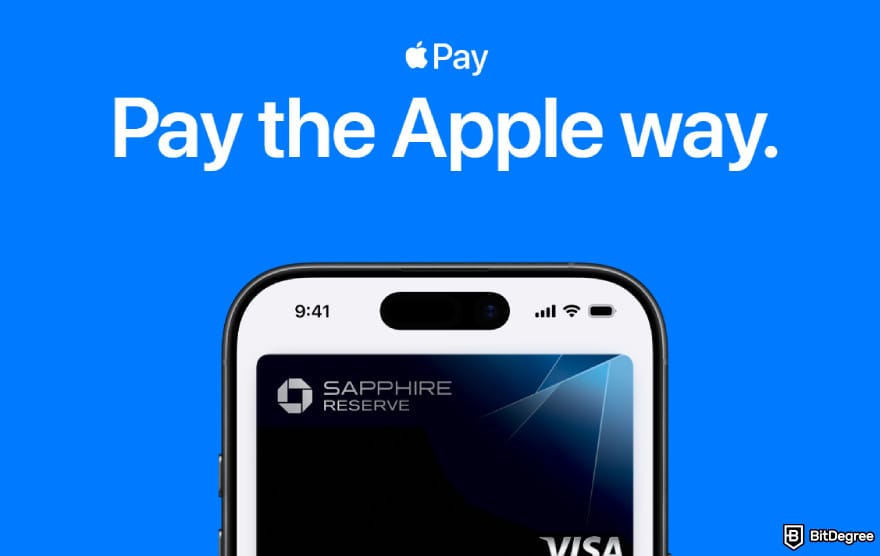
The main draw with Apple Pay is convenience. Rather than digging out your debit/credit card from your wallet, you can simply pay with your phone.
Fees | $0 or 1.75% (min. $0.25 and max. $25) for electronic withdrawals |
|---|---|
Supported Countries | The UK, Japan, and 70+ countries |
Supported Fiat | USD, EUR, etc |
Features | Broad integration, contactless payments, etc |
Security | Personal data protection, transaction privacy, etc |
Table: Apple Pay's main features
Apple Pay also works internationally, so you can tap and go without worrying about currency conversions or card compatibility. When you’re traveling, you can use Apple Pay to top up your IC travel card in Japan or book an Uber. However, the app does not support global remittance.
Furthermore, whenever you make a purchase with Apple Pay, your history stays private. The service never uses or transmits your actual card credentials. Instead, it generates a device-specific number and a unique code to mask every transaction.
All in all, if you use an Apple device, this payment solution turns your phone into a world-ready wallet that helps with contactless payments and protects your privacy in every step.
Browse our collection of the most thorough Crypto Exchange related articles, guides & tutorials. Always be in the know & make informed decisions!


Conclusions
How to withdraw money from Cash App will only take a couple of minutes once you know which buttons to click. Just remember to link your bank account or debit/credit card beforehand to ensure a smooth payout.
Can you withdraw cash from Cash App? Absolutely, and you can use a supported ATM or even cash out Bitcoin if you prefer crypto. Each method varies in cost and speed. Take a moment to choose what best fits your situation.
Cash App is only available to US residents and doesn’t support global remittance. For wider global availability and affordable transfers, check out Ogvio.
Scientific References
1. Özcan I.: 'Current Trends in Accounting for Crypto Assets: A Comparative Analysis of Accounting Practices in the US and Turkiye';
2. Rao K. N., Kundu S.: 'Individual Freedom Vis-à-Vis Integrity of the State: A Study with Reference to Apple iPhone'.
Send Money Worldwide
Check out the best ways to send money to other countries quickly, safely, and with minimal fees.



































About Article's Experts & Analysts






