Key Takeaways
- Before performing any transfers, make sure you’ve added your external financial account(s) to Chime;
- Chime allows you to withdraw money without a card by moving the funds to a linked bank account;
- You can also use a third-party solution like Ogvio to cash out from Chime, especially if you want to use the funds for international remittance.
There’s nothing that brings more joy than the sound of a chime notifying you of a successful transfer. Even if you’re in the shoes of the sender, knowing that your funds finally land in the recipient’s account gives you relief. Those are the end goals you can achieve if you successfully learn how to transfer money from Chime to a bank account!
Every transfer carries a purpose. Sometimes, you’re up against a deadline and can’t afford delays, but transfers out of Chime can take longer than expected and cost you extra fees.
Luckily, there are alternative solutions like Ogvio. It's a neobank I use myself because it consistently delivers my funds in 24 hours or less, with little to no fees. Better yet, it’s absolutely possible to withdraw money from Chime to Ogvio, so I’ll show you that and other standard methods people commonly use.

Did you know?
Subscribe - We publish new crypto explainer videos every week!
What is a Crypto Airdrop & How to Get FREE Coins? (Animated)


Table of Contents
- 1. How to Transfer Money From Chime to a Bank Account
- 1.1. To Ogvio Neobank
- 1.2. To Other Banks
- 2. How to Withdraw Money From Chime Savings Account
- 3. How to Transfer Money From Chime to a Debit Card
- 4. The In-Person Method to Withdraw From Chime
- 5. Chime Withdrawal Limits
- 6. Should You Switch From Chime?
- 7. Conclusions
How to Transfer Money From Chime to a Bank Account
Learning how to transfer money from Chime to a bank account is fairly straightforward, as the process works much like moving funds between any two bank accounts. While Chime isn’t a traditional brick-and-mortar bank, it still operates as a financial institution with its own checking system.
Latest Changelly Coupon Found:Many users look up how to withdraw money from Chime because it doesn’t always connect smoothly to certain external money apps. The good news is that getting your money out isn’t complicated at all, since Chime works with ACH transfers and the majority of US banks.
Certain modern solutions also let you move money in and out of Chime, or even between banks, wallets, and platforms, easily. Ogvio, for instance, supports 7,000+ payment rails, making it helpful when your circumstance calls for flexibility or quicker withdrawals.
No matter which path you take, let’s tackle each option one by one, so you can find the route that caters to your current needs best.
To Ogvio Neobank
Neobanks have been gaining traction compared to traditional banks. For digital-native bank users, they’re simply more convenient and innovative.[1] Just think of the last time you made a transfer to your bank. Rigid processing schedules can drag out even the simplest transaction.

Ogvio is a neobank, and it’s built to overcome that limitation and more. Instead of being tied to timeframes, the platform lets you move money on your terms, with instant payment rails becoming the focus. Simply decide how, where, and when you want to move your funds. This neobank will take care of the rest while keeping costs among the lowest in the market.
Now, Ogvio doesn’t support Chime by default, but it supports Visa debit cards - a category where your Chime card falls under. Even if you want to cash out from your Chime app, this method still works. Since the card is linked to your account, Ogvio will pull the funds from your checking balance.
Pairing Ogvio with Chime lets you tap into broader possibilities. Using Chime as a standalone app can feel restrictive, but once Ogvio is plugged in, here are the gaps it can fill:
Chime only | Chime + Ogvio |
|---|---|
✗ Daily, weekly, and monthly withdrawal ceilings | ✓ More flexible limits (no explicit amount for US users) |
✗ Limited cross-platform support | ✓ Access to 7,000+ payment gateways |
✗ Bank-to-bank transfers take days | ✓ Bank-to-bank transfers are instant |
✗ Exclusively for domestic use | ✓ Domestic transfers and international remittance |
✗ Fiat only | ✓ Portfolio diversification with crypto |
✗ Basic industry-grade security standards (128-bit AES encryption and 2FA) | ✓ Safer for long-term holding (256-bit AES encryption, non-custodial wallet, tamper-proof vaults) |
Table: Chime without VS with Ogvio
Now that you know what Ogvio brings to the table, let’s see how you can withdraw money from Chime to this neobank:
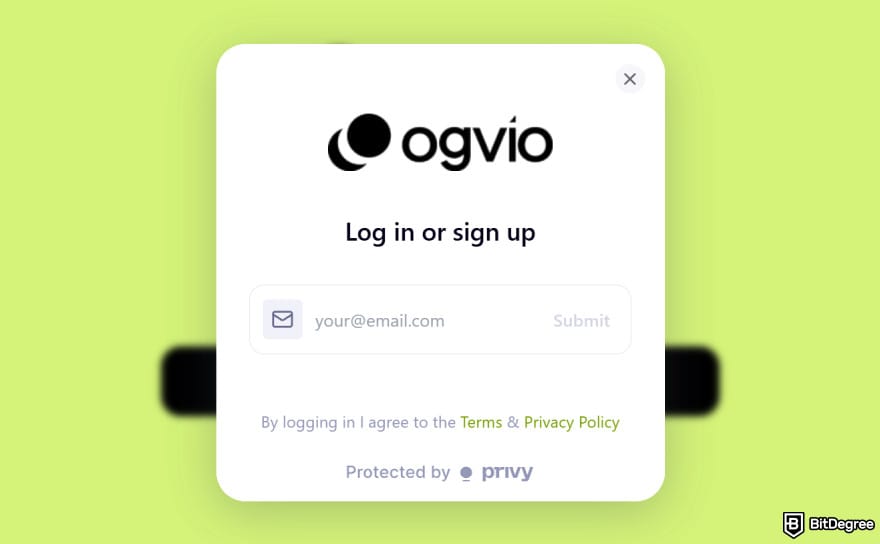
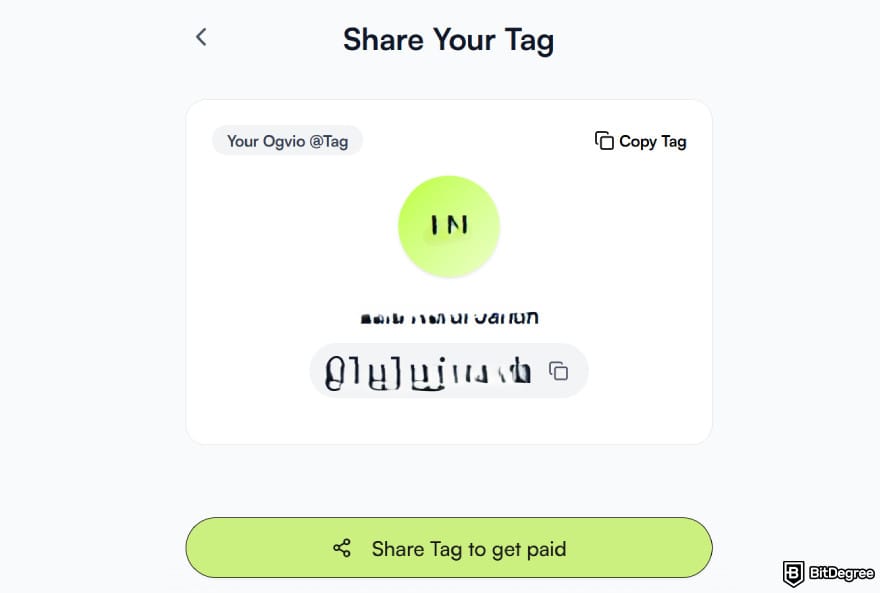
![How to transfer money from Chime to bank account: the huge [Add Money] menu inside Ogvio's dashboard.](https://assets.bitdegree.org/images/how-to-transfer-money-from-chime-to-bank-account-ogvio-add-money.jpg "How to transfer money from Chime to bank account: the huge [Add Money] menu inside Ogvio's dashboard.")
![How to transfer money from Chime to bank account: selecting [Card Transfer] as an [Add Money] option on Ogvio.](https://assets.bitdegree.org/images/how-to-transfer-money-from-chime-to-bank-account-card-transfer.jpg "How to transfer money from Chime to bank account: selecting [Card Transfer] as an [Add Money] option on Ogvio.")
USDC allows quicker movements of funds, which can be helpful if you’re in a time crunch.
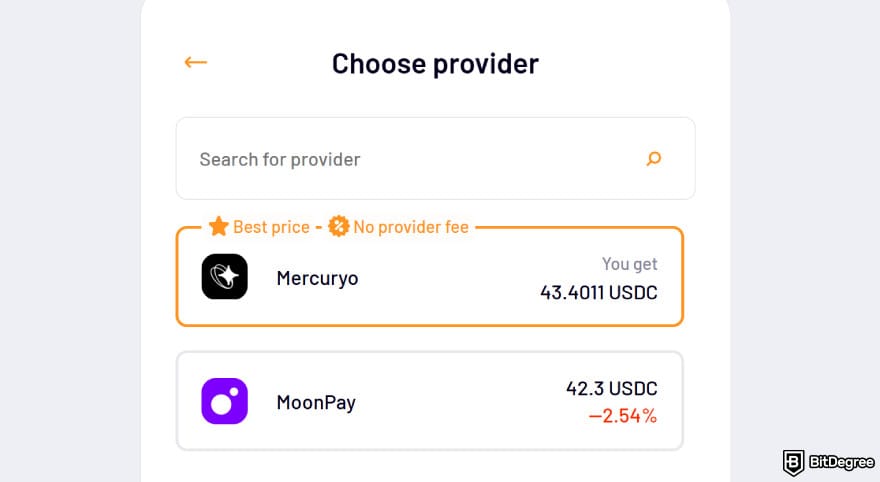
After specifying how much to send, find a provider that gives you the best price, although Ogvio will recommend one automatically.
![How to transfer money from Chime to bank account: choosing [Debit card] as the payment method.](https://assets.bitdegree.org/images/how-to-transfer-money-from-chime-to-bank-account-debit-card.jpg "How to transfer money from Chime to bank account: choosing [Debit card] as the payment method.")
The funds should arrive in your account in seconds. So, if you ask me, where to withdraw money from Chime? This neobank shows that you’re no longer limited to traditional, old-school banks.
Aside from letting your balance sit idly, you can swap crypto right inside the platform, take advantage of fee-free Ogvio-to-Ogvio transfers, invite your friends and earn referral bonuses, and remit funds to your loved ones abroad, among other things.
📚 Read More: Ogvio Review
To Other Banks
At times, you just have to fulfill the adult responsibility of paying rent and settling your bills. And in those moments, you’ll likely need a traditional bank account.
Before transferring a portion of your Chime balance to your bank account, make sure you’ve linked an external bank account first. Otherwise, you won’t be able to proceed with a direct bank transfer. Additionally, your Chime app should be updated to the latest version.
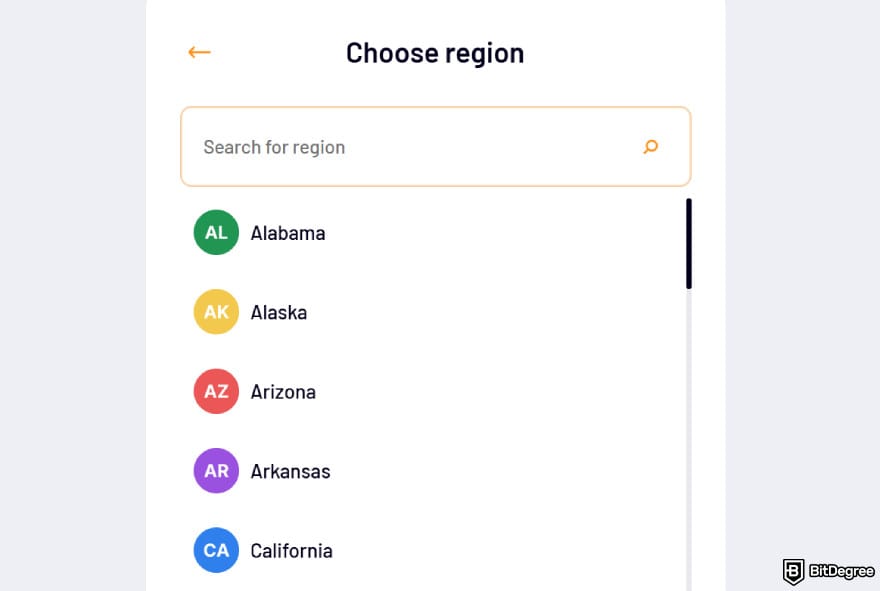
To add a bank account, Chime uses Plaid. You don’t need to lift a finger here, since Chime will handle the rerouting, but you should confirm if Plaid supports your bank. Most importantly, the name on your Chime account should match the name on your bank account, or the transfer will throw an error.
It's not possible to transfer money from Chime to a bank account instantly via the standard bank transfer route. You can make an instant transfer to a debit card linked to a bank account, though.
I’ll show you how to transfer money from Chime to a bank account, which will include the steps for linking your bank account. If you’ve already ticked off that pre-step requirement, jump to STEP 6.
![How to transfer money from Chime to bank account: the [Move Money] menu.](https://assets.bitdegree.org/images/how-to-transfer-money-from-chime-to-bank-account-move-1.jpg "How to transfer money from Chime to bank account: the [Move Money] menu.")
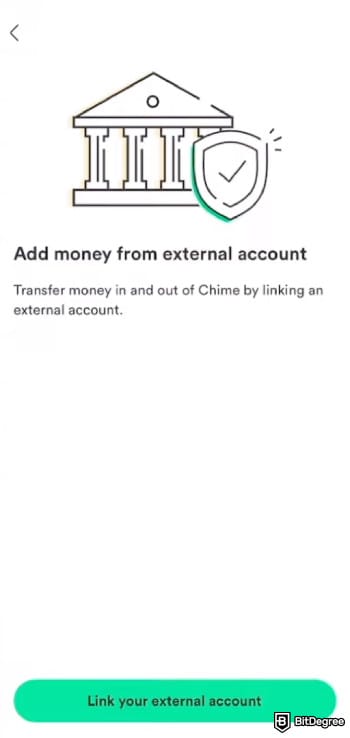

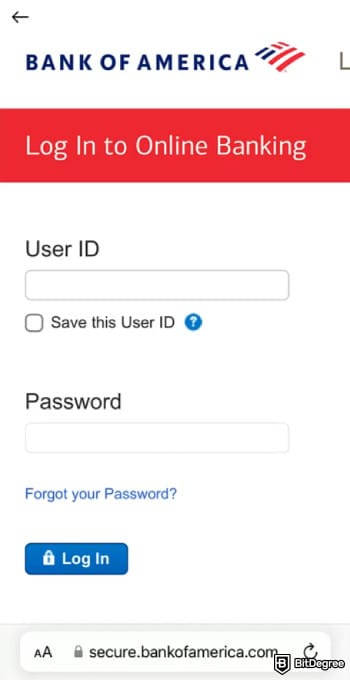
Feel free to add as many banks as you’d like, since Chime doesn’t set any restrictions. Just repeat STEP 1 until STEP 5 whenever you want to link another one.
![How to transfer money from Chime to bank account: the [From] and [To] fields when transferring on Chime.](https://assets.bitdegree.org/images/how-to-transfer-money-from-chime-to-bank-account-from-to.jpg "How to transfer money from Chime to bank account: the [From] and [To] fields when transferring on Chime.")
![How to transfer money from Chime to bank account: previewing details before hitting [Confirm].](https://assets.bitdegree.org/images/how-to-transfer-money-from-chime-to-bank-account-preview.jpg "How to transfer money from Chime to bank account: previewing details before hitting [Confirm].")
Your money is on its way, and Chime will give you notifications as the transfer progresses. Since the platform relies on ACH, the funds may take up to five business days to be posted to your bank account.
The steps above take place on mobile. Nevertheless, you can follow just about the same tutorial if you use your PC, especially if your goal is to withdraw money from Chime without a card. The only difference is that, instead of push notifications, you’ll receive confirmation via email. So, check your inbox once you’re done.
Looking for more in-depth information on related topics? We have gathered similar articles for you to spare your time. Take a look!



How to Withdraw Money From Chime Savings Account
To access your hard-earned savings, you'll first need to withdraw money from Chime savings account internally to:
- Chime checking account;
- Chime card deposit account.
Afterwards, you can move it externally as usual.
On top of that, there's another workable option, which is moving the funds to your Credit Builder deposit account, also known as Chime’s Visa credit card. However, I wouldn’t recommend going down that path, since the card doesn’t support ACH transfers, which are necessary for cashing out to a bank.
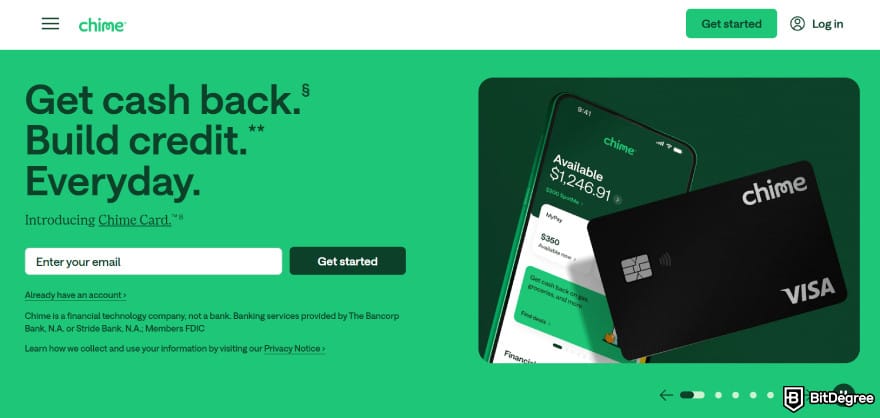
Overall, only withdrawals within Chime’s ecosystem are possible, mainly because your savings account is not set up for ACH transfers. As a result, you can’t do direct external cash-outs if you go with this method. After all, this type of account is meant for growing your holdings with high-yield APRs and other built-in perks, not for frequent spending or quick withdrawals.
That said, let's walk through the steps of how to withdraw money from a Chime savings account to another bank or service:
![How to transfer money from Chime to bank account: the [Transfer funds] menu.](https://assets.bitdegree.org/images/how-to-transfer-money-from-chime-to-bank-account-transfer-funds.jpg "How to transfer money from Chime to bank account: the [Transfer funds] menu.")
![How to transfer money from Chime to bank account: [Chime Savings] as an option under the Transfer from menu.](https://assets.bitdegree.org/images/how-to-transfer-money-from-chime-to-bank-account-saving.jpg "How to transfer money from Chime to bank account: [Chime Savings] as an option under the Transfer from menu.")
Once the funds land in your checking account, follow the previous guideline on how to transfer money from Chime to your bank account, or even to your debit card (which will be the next tutorial). If you decide to direct the funds to your Chime Visa debit card, follow the step-by-step instructions using Ogvio.
How to Transfer Money From Chime to a Debit Card
You might start wondering where to withdraw money from Chime once you notice that standard bank transfers take longer in the processing queue, nudging you to look for non-bank alternatives.
Bank transfers remain king if you want the cheapest option, since they're completely fee-free. For some people, though, time is money, and understanding how to transfer money from Chime to debit card might be to your advantage when you urgently need cash flow access.
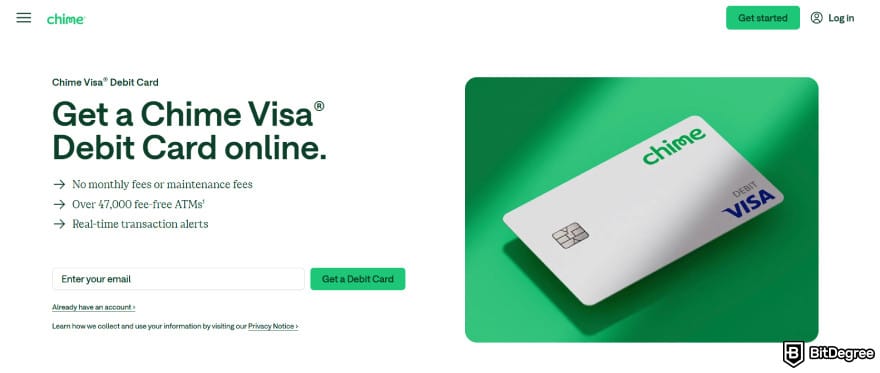
This method also works in your favor if you're looking how to transfer money from Chime to a bank account instantly without holidays or bank closures delaying your transfer. That’s why Chime adds a small fee to it. The platform no longer uses ACH, and instead works through card-network rails (such as Visa or Mastercard) for real-time settlement.
At the end of the day, this approach is pretty much the same as a typical bank-to-bank transfer. Your debit card simply acts as a bridge to your bank account, where your balance will show up.
Besides all the disclaimers above, for a smooth execution, here’s a short checklist to follow:
1
Link your debit card if you haven’t done so. Check out STEPS 1 to 6 in the “To Other Banks” sub-chapter under “How to Transfer Money From Chime to a Bank Account”. The only change is that you need to add your debit card and not your bank account.
2
Check if you have enough balance inside your Chime account, and if you want to receive the full amount, do not forget to factor in the 1.75% fee deduction.
With everything in motion, here’s how to transfer money from Chime to a debit card:
As you can see, the steps are short and simple, and the money should hit your debit card (or your bank account balance) in a matter of seconds. Should you encounter issues along the way, here’s a troubleshooting guide:
- Check your transfer limits. If you’ve reached the cap, hold off until your limit refreshes. If you’ve maxed out your daily limits, try again tomorrow. If you’ve hit your monthly ceiling, wait until the start of the next month.
- Check your available balance. See if your Chime account, not your linked external account, has enough balance to cover the transfer.

- Check your linked external account. Failing to pass the previous verification will lead to a no-go on your transfer. Re-link your bank account or debit card to regain your access.
As a last resort, Chime’s customer support team will always help you with open arms. They’re reachable via a 24/7 phone line. Alternatively, you can opt for another transfer method, such as using a third-party like Ogvio. Check out the tutorial in the first chapter.
📚 Related: How to Send Money With a Debit Card
The In-Person Method to Withdraw From Chime
Although people are beginning to embrace digital money for day-to-day purchases,[2] traditional cash remains the most widely accepted option. And at times, you just need to have it on hand, and there’s no substitute for it. That’s when you’d likely want to run into the nearest ATM.
Chime itself is a banking app, so it’s no surprise that you can pull cash from your Chime checking account at over 50,000 fee-free ATMs across the US.
But you can’t just go to any ATM with a Visa logo on it and expect to claim a freebie. Specifically, you’ll need to locate an in-network ATM run by the following partners of Chime:
- MoneyPass
- Allpoint
- Visa Plus Alliance
At times, without opening a Google Map, you can even find an in-network ATM. Just drop a foot into any Walgreens, 7-Eleven, CVS Pharmacy, or Circle K nearby.

Nonetheless, there are times when you’re simply stuck, and there’s no in-network ATM nearby. No worries, you can either use an out-of-network ATM or take a cash advance at a traditional bank or credit union. Both alternative methods come with a $2.50 fee per withdrawal. Out-of-network ATMs may also apply extra provider fees.
For your information, Chime doesn’t support cardless ATM withdrawals, so you’ll need either a Chime Visa debit or a Chime SpotMe card.
When you compare all the options, in-network ATMs offer the most convenient way to cash out without extra charges. You can locate one right inside your Chime app or directly on the website. For a change of pace, let’s go through the process on PC this time:

- The ZIP code;
- Full street address;
- Neighborhood place;
- The name of the place you’re in or a nearby landmark.
To give an example, rather than typing “New York”, you can narrow it down to “NYU Gallatin School”, or any location you’re in.
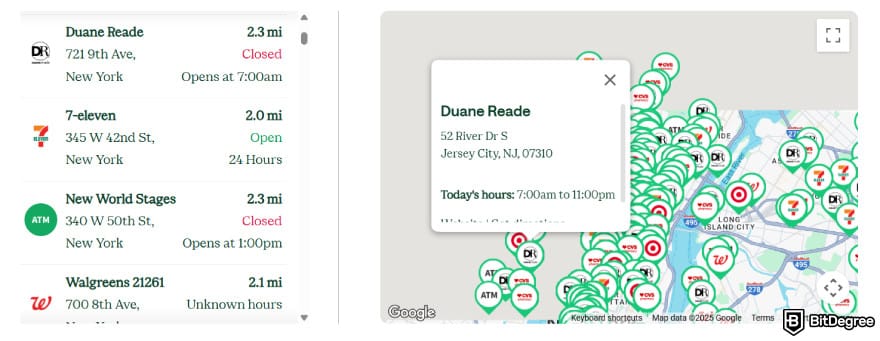
If you use the app, simply access the [Find an ATM] menu inside the [Move Money] category.
Once you arrive at the ATM, you can simply take out money as you would at a regular ATM. Insert your card, enter your PIN, press [Withdraw], choose your funding source (usually it’s your checking account), enter the amount, and collect your cash.
Chime Withdrawal Limits
At times, your withdrawal limit is the only thing holding you back from proceeding with how to transfer money from Chime to bank account. If you’ve hit the cap, there’s nothing you can do but wait. Planning your transfers in advance can help avoid delays, and it begins by understanding how much you’re allowed to withdraw.
Understandably, all these restrictions can be irritating, but Chime puts them in place to protect you from fraud and other unauthorized activities. To see how much you can withdraw every day or month, go inside your [Account Info] and tap [View Limits].

Cash withdrawals are more predictable to figure out. Chime explicitly discloses that you can withdraw up to $515 per day using your Chime debit card and $1,015 per day at an ATM. Meanwhile, any out-of-network fees count toward your daily withdrawal limit.
Should You Switch From Chime?
Before plunging into Chime, I did some testing myself and scoured through user reviews. I can’t deny that Jason Momoa’s smile on the website almost convinced me (as of writing, btw, since that banner could change anytime!). But obviously, that shouldn’t be a decision-making factor in any objective evaluation.
Chime originated in 2012 in San Francisco, and in the mid-2020s, it became a mammoth with more than 18 million customers. This scale easily places Chime near the top of the US neobank leaderboard.
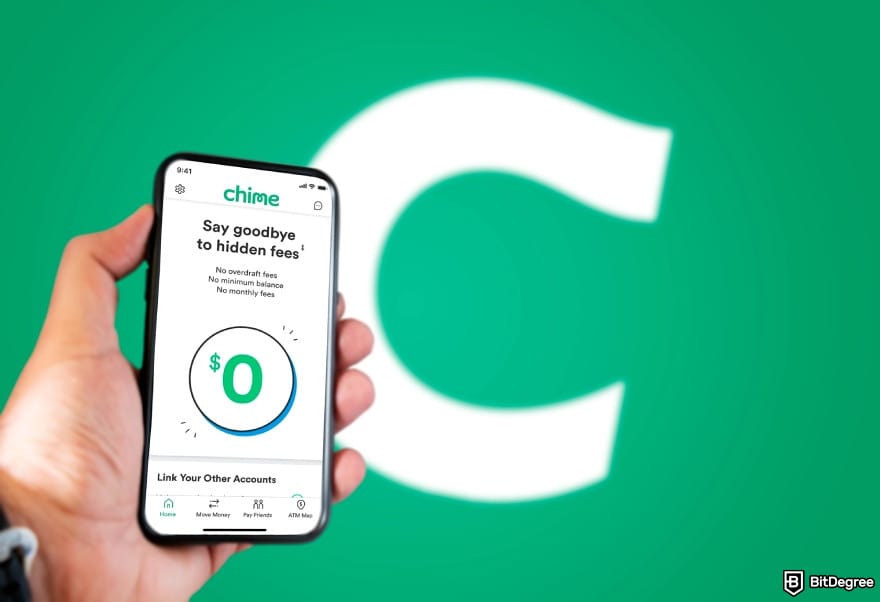
Nevertheless, Chime is designed primarily around domestic paychecks, overdraft protection, and credit recovery. Expats in the US, international students, frequent travelers, traveling business professionals, and remote workers will often encounter limitations, since Chime doesn’t support cross-border money movement.
So, should you stay or should you go? Chime is a good fit if you:
- Need a US banking companion;
- Rely on direct deposits and paycheck-based income;
- Want fee-free overdraft protection;
- Don’t regularly move money outside of the US.
However, Chime falls short in the following departments:
- Multi-currency environment;
- Faster settlement without a spike in fees;
- Frequent domestic or international transfers.
There are more efficient alternatives in the field. Ogvio, for instance, is purpose-built for near-instant payouts, broader platform connectivity, and cost-efficient transfers to the Philippines, Mexico, and any of the 160+ supported countries.

As a neobank, Ogvio isn’t rigidly tied to traditional banking rails, which can be either slow or costly. It focuses on near-instant payouts via local or global payment rails, including InstaPay, SPEI Instant, SEPA Instant, etc. In every method, you’ll always find a way to save up, such as by taking advantage of free internal transfers.
Exchanging money doesn’t have to be frustrating, either. Ogvio keeps its pricing transparent with true mid-market rates. Plus, you can deposit 40+ currencies, including CAD, AUD, and MXN, and have them pegged to USD or EUR for value stability.
 | |
|---|---|
| |
| |
| |
| Visit site Read review |
Table: Ogvio's asset movement
And if you’re into crypto, Ogvio lets you manage it and fiat interchangeably in one account without friction. From BTC to ETH, select tokens on the Base network are supported, with more to come.
All in all, carefully review what you need. Chime works well as a complement to US banking, but you may need to pair it with another service if your requirements extend beyond basic withdrawals or outside of the US borders.
Browse our collection of the most thorough Crypto Exchange related articles, guides & tutorials. Always be in the know & make informed decisions!



Conclusions
Chime offers more than one way to move funds off the platform. So, the steps of how to transfer money from Chime to a bank account depend on whether you prefer an in-app transfer or an external route, both of which require a linked bank account or debit card.
Once that’s done, smoothly begin your transfer. Just be mindful of withdrawal limits and the processing time involved. Cashouts to banks take 3 to 5 working days. Instant settlement is possible if you route the funds to your debit card, although a 1.75% fee will be deducted from your total transfer amount. So, pick a method that fits your timeline, cost sensitivity, and purpose.
Admittedly, Chime’s strengths define its limitations. It may not always be accommodating when you need to connect to a specific platform or convert your balance into another currency. Thankfully, you can withdraw your funds from Chime to Ogvio, which is a neobank that helps you fill the aforementioned gaps.
If you need faster transfers with international reach and zero to little fees, try out Ogvio.
Scientific References
1. Sardar S., Anjaria K.: ‘The Future of Banking: How Neo Banks Are Changing the Industry’;
2. Adrian T.,Griffoli-Mancini T.: ‘The Rise of Digital Money’.
Send Money Worldwide
Check out the best ways to send money to other countries quickly, safely, and with minimal fees.



































About Article's Experts & Analysts






